

download instagram videos using vidmate a complete guide
This article is especially for those who use Instagram every day. In this article, you will find a complete guide to downloading videos from this social media platform using the VidMate app. Most of you may already have been using VidMate for a long time, but may not know the different ways to download videos from these platforms. Yes, there are many other easy methods to download videos using the VidMate app, and we want all our users to take advantage of these easy ways and quickly get their favorite videos onto phone storage.
Method 1
VidMate app — download videos directly within the app
As you all know, you can access all your favorite social networking sites like Facebook, Instagram, Twitter and YouTube directly from the VidMate app. Most of you may already be familiar with this method, but still, we would like to share this method for our new users. Please follow the step-by-step guide below:
Step 1: Open the app and tap the ‘SITES’ tab or the Instagram icon on the home page

Step 2: Log in to your Instagram account by entering your ID and password.
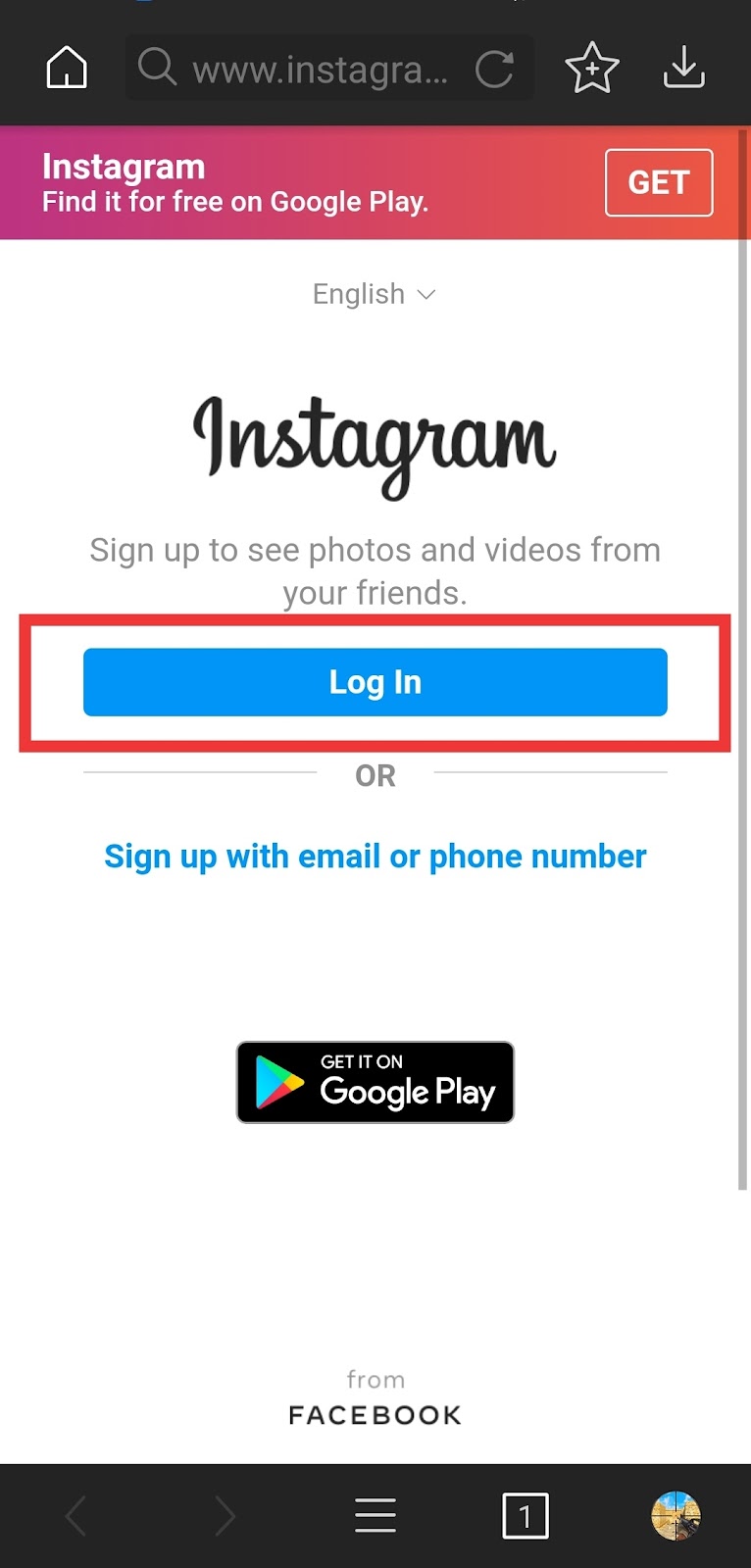
Step 3: After signing in, you can browse Instagram just like in the original Instagram app, but the biggest difference on VidMate is that you will see a download button on all images and videos. Tap the download button for the image or video you want.

Step 4: After tapping the download button, choose your preferred download path and tap the large download button.

Method 2
Download videos from the Instagram app
You can also download videos while browsing the Instagram app. Follow these easy steps.
Step 1: If you like any video while browsing the Instagram app, just tap the 'three dots' in the top-right corner.

Step 2: 'Share to…’ option — tap it.

Step 3: 'Download video using VidMate' option — tap it.

Step 4: After that, the VidMate app will open and you will see a red download button on the video — tap it.

Step 5: Choose your preferred download path, and tap the download button.

With these two easy methods you can download as many videos from Instagram and Facebook as you want. So if you still don’t have VidMate on your phone, we recommend installing it now. Follow the easy steps below to get it for yourself.
1. VidMate — visit the official website or tap the download button below to get the VidMate APK directly to your phone.
Get Video Downloader
2. After the APK file has downloaded, tap it to launch the installer.
3. Grant all required permissions to install the application.
Since VidMate is a third-party app, you will need to grant all specific permissions required to install the app.

